
共计 2333 个字符,预计需要花费 6 分钟才能阅读完成。

为什么需要 Skill 功能?
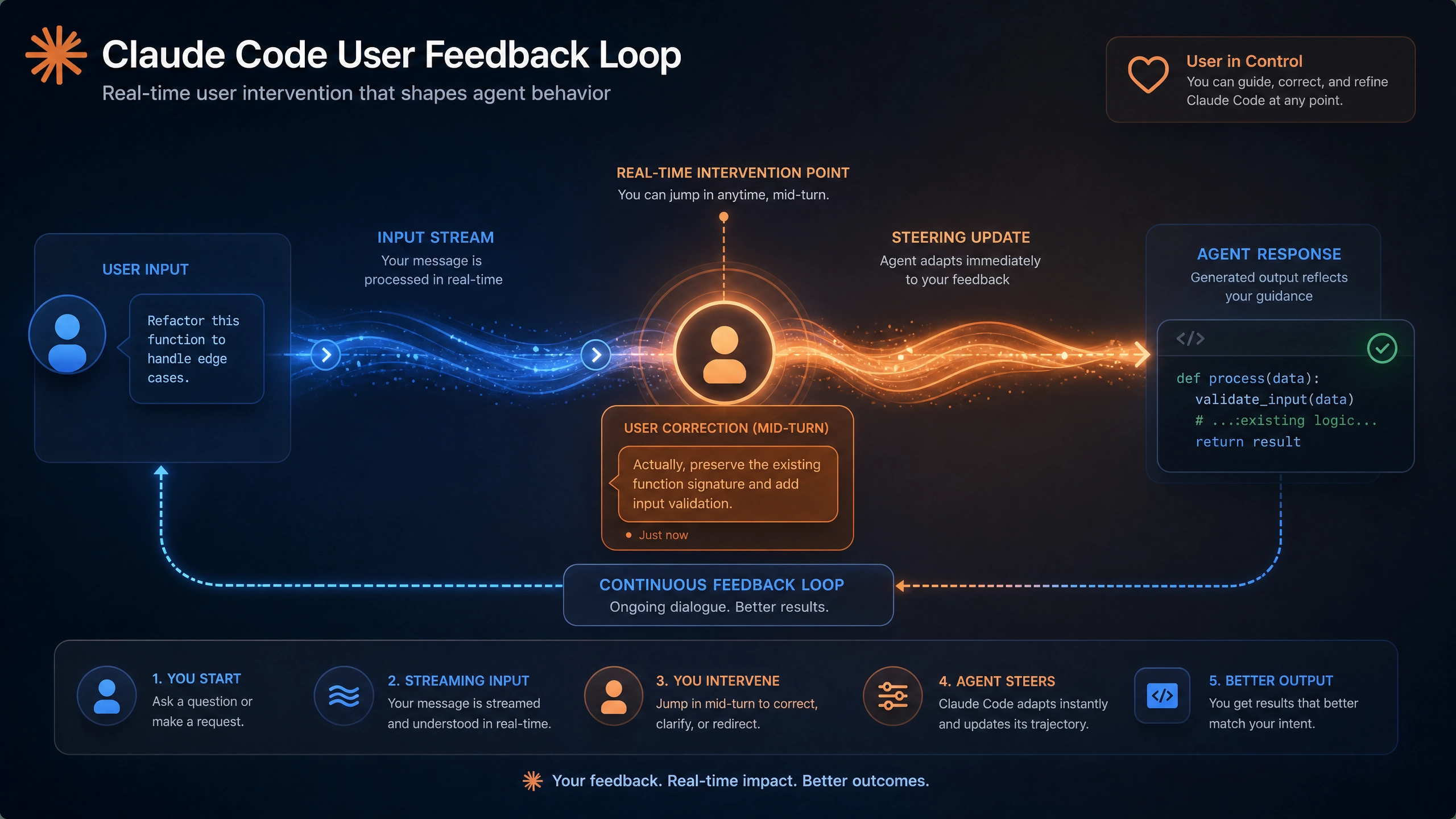
Claude 的 Skill 功能就像给 AI 装上了可插拔的「技能芯片」。通过自定义 Skill,我们可以让 Claude 突破基础对话限制,实现:
- 垂直场景深度服务:比如医疗咨询、法律问答等专业领域
- 实时数据接入:股票行情、物流跟踪等动态信息查询
- 个性化交互:根据用户习惯定制专属对话流程
最近我用这个功能做了个天气预报 Skill,从开发到上线只用了 2 天,下面就把完整过程分享给大家。
开发准备清单
- 基础环境:
- Python 3.8+(推荐 3.10)
-
Claude 开发者账号(申请地址)
-
必要依赖:
pip install anthropic httpx python-dotenv -
天气 API 选择:
- 免费方案:OpenWeatherMap(每分钟 60 次请求)
- 付费方案:WeatherAPI(更稳定)
从零构建天气 Skill
第一步:定义 Skill 元数据
这是 Claude 识别 Skill 的「身份证」,需要特别注意参数规范:
skill_manifest = {
    "name": "weather_query",
    "description": "提供全球城市实时天气和未来 3 天预报",
    "parameters": {
        "location": {
            "type": "string",
            "description": "城市名称,支持中英文如' 北京 '或'New York'"},"unit": {"type":"string","enum": ["celsius","fahrenheit"],"default":"celsius"
        }
    }
}
第二步:对接天气 API
使用异步请求提升性能,并加入三级容错机制:
import httpx
from datetime import datetime, timedelta

class WeatherAPI:
    def __init__(self, api_key):
        self.cache = {}
        self.client = httpx.AsyncClient(timeout=10)

    async def get_weather(self, location: str, unit: str = "celsius"):
        # 缓存检查(1 小时有效期)cache_key = f"{location}_{unit}"
        if cache_key in self.cache and \
           datetime.now() - self.cache[cache_key]["timestamp"] < timedelta(hours=1):
            return self.cache[cache_key]["data"]

        try:
            # 主 API 请求
            resp = await self.client.get(
                f"https://api.weatherapi.com/v1/forecast.json",
                params={"key": API_KEY, "q": location, "days": 3}
            )
            resp.raise_for_status()
            data = self._format_data(resp.json(), unit)
            self.cache[cache_key] = {"data": data, "timestamp": datetime.now()}
            return data

        except httpx.HTTPStatusError as e:
            # 备用数据源降级
            return await self._fallback_api(location, unit)

    def _format_data(self, raw_data: dict, unit: str):
        # 温度单位转换逻辑
        current_temp = raw_data["current"]["temp_c"] if unit == "celsius" else \
                      raw_data["current"]["temp_f"]
        return {
            "current": current_temp,
            "forecast": [day["day"] for day in raw_data["forecast"]["forecastday"]]
        }
第三步:自然语言交互设计
让 Claude 理解用户的各种问法:
- 意图识别:
- “ 上海天气怎么样 ” →
weather_query(location="上海") -
“ 旧金山下周会下雨吗 ” → 需要扩展时间参数
-
槽位填充 处理缺失参数:
async def handle_weather_query(location: str = None, unit: str = "celsius"):
    if not location:
        return "请问您想查询哪个城市的天气?"

    # 处理用户可能的附加描述
    if "明天" in location:
        date_offset = 1
        location = location.replace("明天", "").strip()
生产环境生存指南
性能优化
- 批量查询:对同时询问多个城市的情况,使用
asyncio.gather并行处理 - 预热缓存:在流量低谷期预加载热门城市数据
隐私合规
# 位置信息脱敏处理
def sanitize_location(loc: str):
    # 移除可能包含的个人地址细节
    return re.sub(r"\d+", "", loc).strip()
监控指标
建议采集这些关键数据:
- API 响应时间百分位(P99 < 800ms)
- 缓存命中率(建议 >60%)
- 用户追问率(反映意图识别准确度)
代码完整示例
GitHub 仓库 包含:
– 错误重试机制
– 单元测试用例
– Docker 部署配置
三个进阶思考题
- 如何让 Skill 记忆用户偏好的温度单位?
- 当用户问 ” 比北京暖和的城市有哪些 ” 时,如何设计多 Skill 协作流程?
- 在长时间对话中如何维护上下文状态?
开发过程中最大的体会是:Skill 功能像乐高积木,单个模块简单,但组合起来能创造无限可能。建议先从简单场景入手,逐步迭代复杂度。
正文完


