
共计 4099 个字符,预计需要花费 11 分钟才能阅读完成。

背景痛点
在微服务架构中对接 Claude API 时,开发者常遇到三个典型问题:
- 认证复杂性 :需要处理 JWT 生成、刷新和传递,每个请求都要携带正确的认证头
- 流式响应处理 :对话 AI 的 streaming response 需要特殊的数据拼接和错误处理逻辑
- 速率限制 :未做请求队列管理时容易触发 API 的 rate limit 导致服务不可用
技术对比:Axios vs Trae
直接使用 Axios 的痛点
- 需要手动实现拦截器链
- 错误处理逻辑分散
- 流式响应需要自定义适配器
Trae 框架的优势
- 内置中间件管道(类似 Koa 的洋葱模型)
- 统一的错误处理入口
- 可插拔的响应转换器
核心实现
1. 初始化配置
.env 文件配置示例:
CLAUDE_API_KEY=your_api_key
CLAUDE_BASE_URL=https://api.anthropic.com/v1
Trae 实例化代码(TypeScript):
import trae from 'trae';
import dotenv from 'dotenv';

dotenv.config();

interface ClaudeConfig {
  baseURL: string;
  timeout: number;
}

const config: ClaudeConfig = {
  baseURL: process.env.CLAUDE_BASE_URL!,
  timeout: 30000
};

const claude = trae.create(config);
2. JWT 认证拦截器
// 类型声明
type AuthToken = string;

// 获取 Token 的示例(实际项目可能来自 Redis 或数据库)const getAuthToken = async (): Promise<AuthToken> => {return `Bearer ${process.env.CLAUDE_API_KEY}`;
};

// 请求拦截器
claude.use(async (req) => {
  req.headers = {
    ...req.headers,
    Authorization: await getAuthToken(),
    'anthropic-version': '2023-06-01'
  };
  return req;
});
3. 流式响应处理
interface StreamResponse {
  event: string;
  data: string;
}

const handleStream = async (prompt: string) => {
  const response = await claude.post('/complete', {
    prompt,
    stream: true
  }, {responseType: 'stream'});

  // 处理分块数据
  response.data.on('data', (chunk: Buffer) => {const lines = chunk.toString().split('\n').filter(Boolean);
    lines.forEach(line => {
      try {const parsed: StreamResponse = JSON.parse(line.replace('data:', ''));
        console.log(parsed.data);
      } catch (e) {console.error('Stream parse error:', e);
      }
    });
  });
};
生产级代码实现
错误重试策略(指数退避)
const retryMiddleware = (maxRetries = 3) => {return async (req: any, next: Function) => {
    let attempts = 0;
    const retry = async (): Promise<any> => {
      try {return await next();
      } catch (error) {if (attempts++ >= maxRetries) throw error;
        const delay = Math.pow(2, attempts) * 1000;
        await new Promise(res => setTimeout(res, delay));
        return retry();}
    };
    return retry();};
};

claude.use(retryMiddleware());
请求日志中间件
import {IncomingMessage} from 'http';

interface TraeRequest {
  method: string;
  url: string;
}

interface TraeResponse {
  status: number;
  data: any;
  req: IncomingMessage;
}

const loggingMiddleware = () => {return async (req: TraeRequest, next: Function) => {const start = Date.now();
    console.log(`[Request] ${req.method} ${req.url}`);

    try {const res = await next();
      console.log(`[Response] ${res.status} ${Date.now() - start}ms`);
      return res;
    } catch (error) {console.error(`[Error] ${error.message}`);
      throw error;
    }
  };
};
响应校验(Zod)
import {z} from 'zod';

const CompletionSchema = z.object({completion: z.string(),
  stop_reason: z.enum(['stop_sequence', 'max_tokens']),
  model: z.string()});

const validateResponse = (data: unknown) => {
  try {return CompletionSchema.parse(data);
  } catch (e) {throw new Error(`Response validation failed: ${e}`);
  }
};

// 在请求处理流程中使用
claude.after(async (res) => {if (!res.config?.skipValidation) {res.data = validateResponse(res.data);
  }
  return res;
});
性能优化
连接池配置
import http from 'http';
import https from 'https';

const agentConfig = {
  keepAlive: true,
  maxSockets: 100,
  maxFreeSockets: 10,
  timeout: 60000
};

claude.config.httpAgent = new http.Agent(agentConfig);
claude.config.httpsAgent = new https.Agent(agentConfig);
冷启动优化
- 预热连接池:服务启动时发送 HEAD 请求
- 预加载模型:初始化时发送简单 prompt
- 使用 Lambda 的 Provisioned Concurrency
监控指标
import promClient from 'prom-client';

const requestDuration = new promClient.Histogram({
  name: 'claude_request_duration_seconds',
  help: 'Duration of Claude API requests',
  labelNames: ['method', 'status_code']
});

// 在中间件中记录
const endTimer = requestDuration.startTimer();
const res = await next();
endTimer({method: req.method, status_code: res.status});
避坑指南
1. 会话状态维护
- 问题 :直接存储对话历史导致内存泄漏
- 解决 :使用 Redis 存储会话上下文,设置 TTL
2. 突发流量处理
- 问题 :瞬时高峰触发 rate limit
- 解决 :实现令牌桶算法限流中间件
3. 敏感信息过滤
- 问题 :日志中泄露 API 密钥
- 解决 :使用 redact 中间件处理敏感字段
const redactMiddleware = () => {return async (req, next) => {if (req.headers?.Authorization) {req.headers.Authorization = '***REDACTED***';}
    return next();};
};
动手实验:带缓存的对话代理
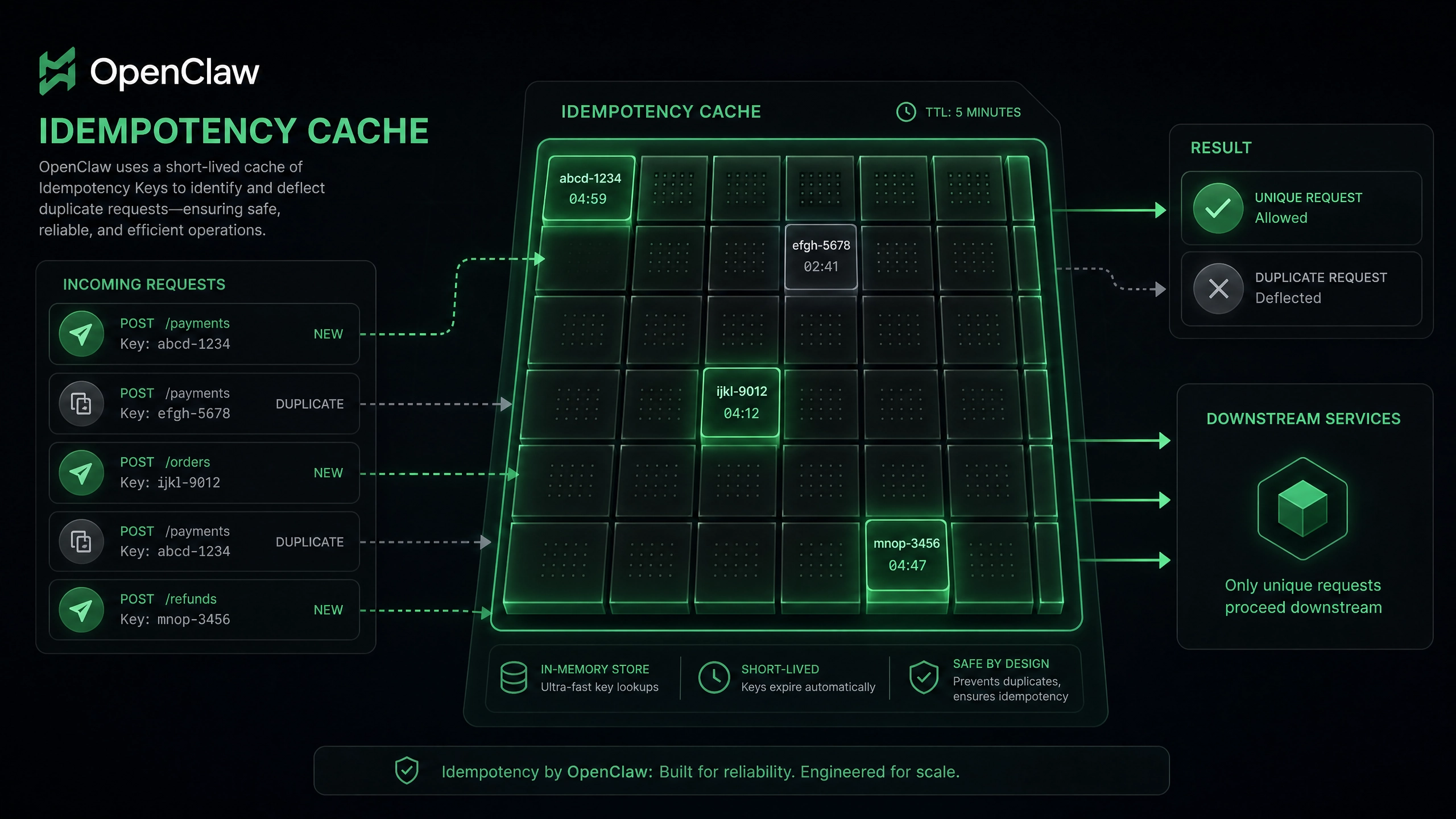
实现一个缓存最近 5 分钟对话结果的代理服务:
- 使用 Map 实现内存缓存
- 基于 prompt+params 生成缓存键
- 添加缓存过期逻辑
const cache = new Map<string, {expire: number; data: any}>();

const cachingMiddleware = () => {return async (req, next) => {
    const key = JSON.stringify({
      url: req.url,
      body: req.data
    });

    // 检查缓存
    if (cache.has(key)) {const entry = cache.get(key)!;
      if (entry.expire > Date.now()) {return entry.data;}
      cache.delete(key);
    }

    // 执行请求
    const res = await next();

    // 设置缓存(5 分钟)cache.set(key, {expire: Date.now() + 300000,
      data: res
    });

    return res;
  };
};

// 使用示例
claude.use(cachingMiddleware());
通过本指南,你应该已经掌握了使用 Trae 框架高效对接 Claude API 的核心技术。建议从简单的对话接口开始实践,逐步添加重试、缓存等生产级功能。遇到问题时,可以多利用 Trae 的中间件机制进行灵活扩展。
正文完


