
共计 2405 个字符,预计需要花费 7 分钟才能阅读完成。

背景说明
Claude 是 Anthropic 推出的 AI 助手 API,提供了强大的自然语言处理能力。与其它同类产品相比,Claude 在长文本理解、逻辑推理和安全内容生成方面表现突出。开发者可以通过集成 Claude API 快速实现智能对话、文本摘要、内容审核等功能,适用于客服系统、知识库问答、自动化写作等场景。
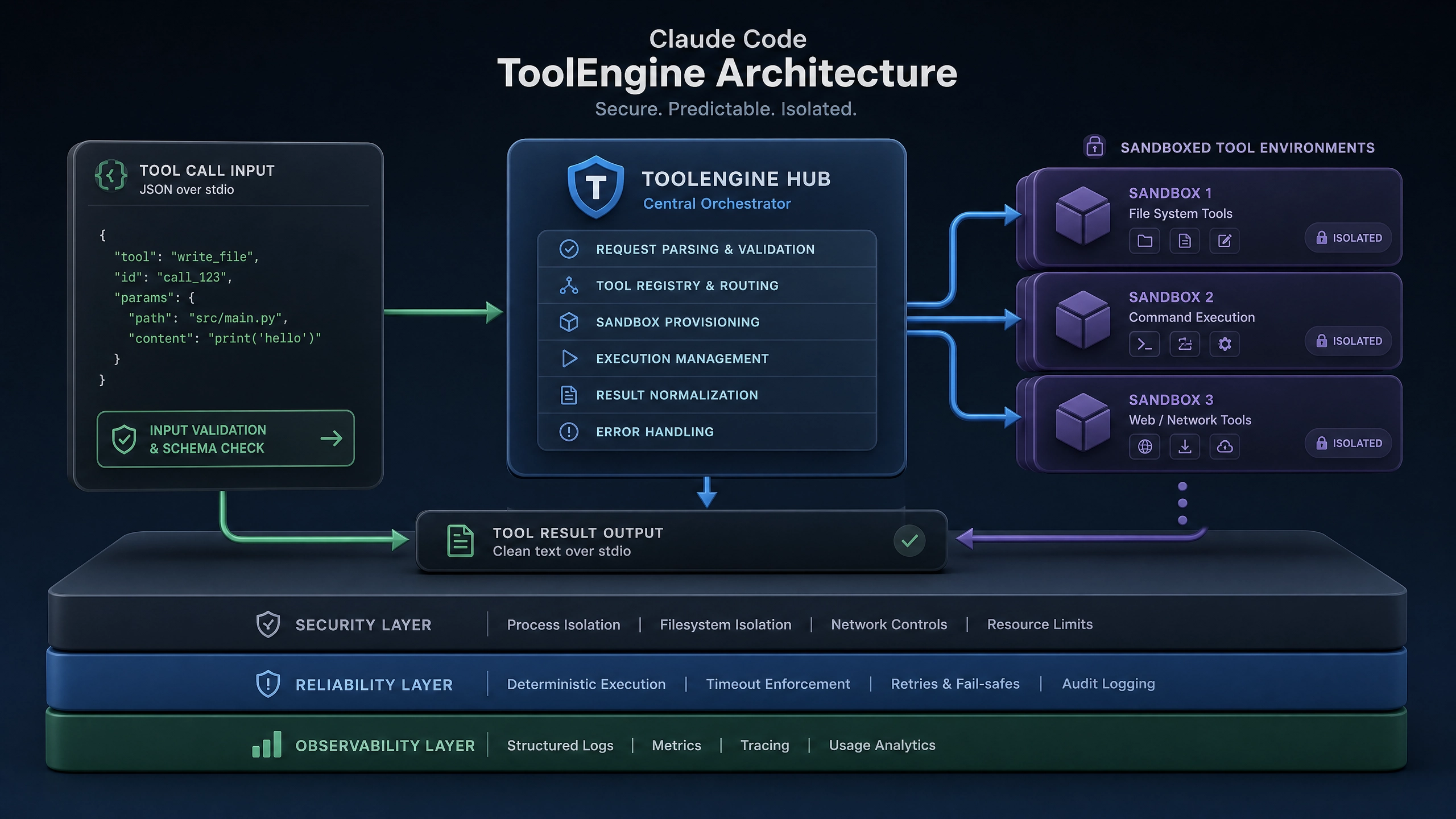
在 Node.js 环境中集成 Claude 时,很多新手会遇到环境配置、依赖管理、权限验证等问题。本文将带你系统解决这些问题,确保你能顺利接入 Claude 的强大功能。
前置准备
在开始安装前,请确保你的开发环境满足以下要求:
# 检查 Node.js 版本(建议 16.x 以上)node -v

# 检查 npm 版本
npm -v

# 安装 git(如未安装)sudo apt-get install git  # Linux
brew install git         # Mac
此外,你还需要获取 Claude API Key:
- 访问 Anthropic 官网注册账号
- 进入控制台创建 API Key
- 妥善保存 Key(后续会用到)
分步安装指南
1. 初始化项目
首先创建一个新目录并初始化 Node.js 项目:
mkdir claude-demo
cd claude-demo
npm init -y
2. 安装官方 SDK
使用 npm 或 yarn 安装官方 JavaScript SDK:
npm install @anthropic-ai/sdk
# 或
yarn add @anthropic-ai/sdk
3. 配置环境变量
创建 .env 文件存储 API Key(记得添加到 .gitignore):
# .env 文件内容
ANTHROPIC_API_KEY= 你的 API 密钥
4. 基础连通性测试
创建 index.js 文件进行测试:
require('dotenv').config();
const {Anthropic} = require('@anthropic-ai/sdk');

const anthropic = new Anthropic({apiKey: process.env.ANTHROPIC_API_KEY});

async function testConnection() {
  try {
    const response = await anthropic.completions.create({
      model: 'claude-2',
      prompt: 'Hello, Claude!',
      max_tokens_to_sample: 100
    });
    console.log('连接成功:', response.completion);
  } catch (error) {console.error('连接失败:', error.message);
  }
}

testConnection();
运行测试:
node index.js常见问题排查
| 错误类型 | 可能原因 | 解决方案 |
|---|---|---|
| 认证失败 | API Key 错误 | 1. 检查 .env 文件格式 2. 确保 Key 未过期 3. 验证 Key 权限 |
| 依赖冲突 | Node 版本不兼容 | 1. 使用 nvm 管理 Node 版本 2. 检查 package.json 中的引擎配置 |
| 网络问题 | 代理配置错误 | 1. 检查网络连接 2. 配置 HTTP_PROXY 环境变量 |
| 超时错误 | API 响应慢 | 1. 增加超时设置 2. 实现重试机制 |
生产环境建议
密钥管理
永远不要将 API Key 硬编码在代码中。推荐方案:
- 使用 AWS Secrets Manager 或 HashiCorp Vault
- 实施密钥轮换策略
- 为不同环境使用不同 Key
请求限流
Claude API 有速率限制,建议实现请求队列:
const {RateLimiter} = require('limiter');

// 限制为每秒 5 次请求
const limiter = new RateLimiter({tokensPerInterval: 5, interval: 'second'});

async function safeCall() {await limiter.removeTokens(1);
  return anthropic.completions.create(/*...*/);
}
错误重试
对于临时性错误,建议实现指数退避重试:
async function withRetry(fn, maxAttempts = 3) {
  let attempt = 0;
  while (attempt < maxAttempts) {
    try {return await fn();
    } catch (error) {if (!isRetryable(error)) throw error;
      attempt++;
      await new Promise(res =>
        setTimeout(res, 1000 * Math.pow(2, attempt))
      );
    }
  }
  throw new Error(` 重试 ${maxAttempts} 次后失败 `);
}
进阶实践
TypeScript 支持
安装类型声明包:
npm install @types/node @types/dotenv单元测试
使用 Jest 测试 Claude 集成:
// __tests__/claude.test.js
describe('Claude API', () => {it('should return valid response', async () => {const mockResponse = { completion: 'Hello!'};
    jest.spyOn(anthropic.completions, 'create')
      .mockResolvedValue(mockResponse);

    const result = await testConnection();
    expect(result).toMatch('Hello!');
  });
});
思考题
- 如何在分布式系统中安全地共享 Claude API Key?
- 当 API 返回速率限制错误时,你的应用该如何优雅降级?
- 如何设计一个缓存层来减少对 Claude API 的重复请求?
希望这篇指南能帮助你顺利集成 Claude API。如果在实践中遇到新问题,可以查阅官方文档或参与社区讨论。Happy coding!
正文完


