
共计 2697 个字符,预计需要花费 7 分钟才能阅读完成。

背景说明
ChatGPT 作为当前最先进的对话 AI 模型,在智能客服、内容创作、代码辅助等场景均有广泛应用。在电脑端集成 ChatGPT API,可以更灵活地将 AI 能力嵌入到现有工作流中,实现自动化处理、批量生成等高效操作。相比网页版,API 调用具有以下优势:
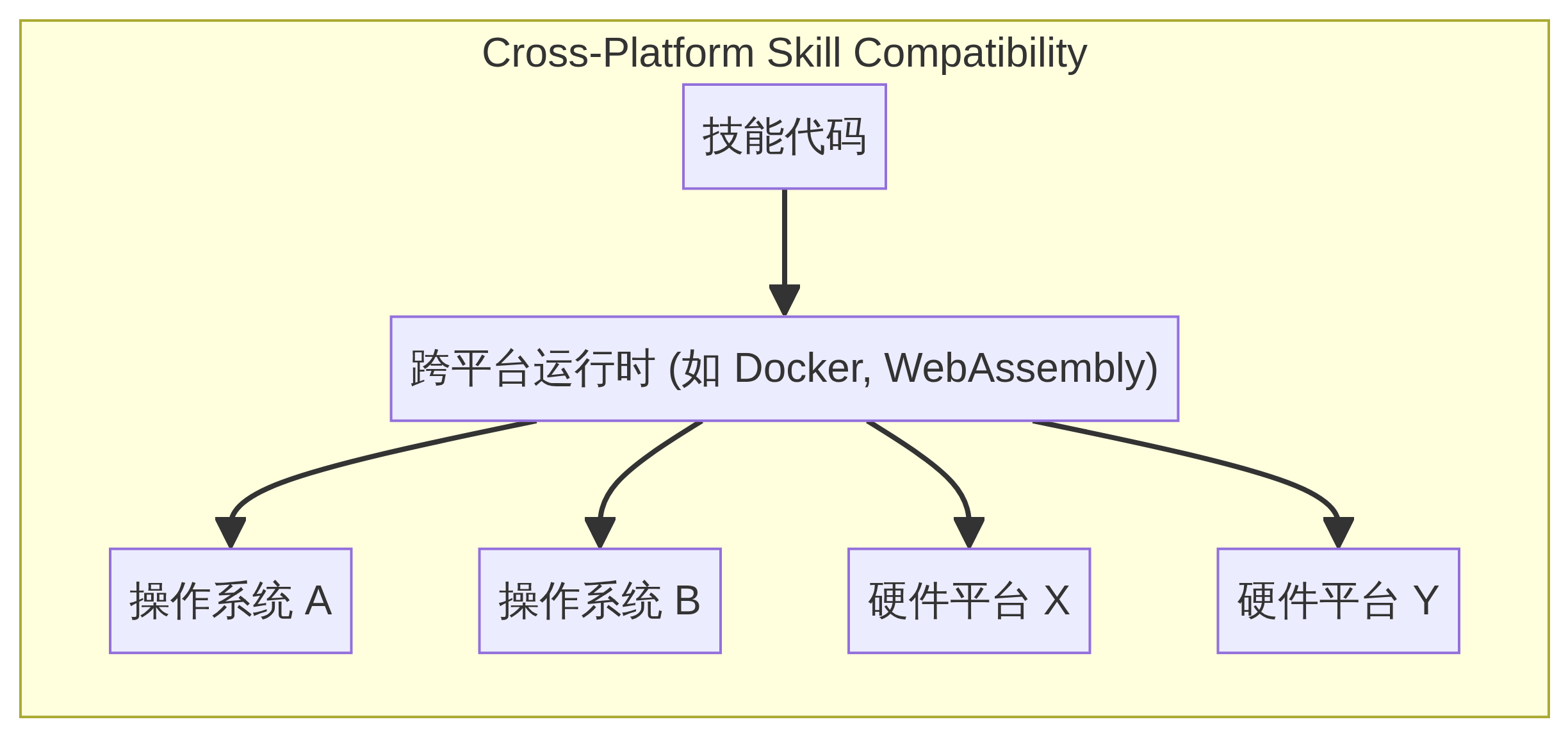
- 可编程控制:通过代码实现复杂交互逻辑
- 系统集成:与企业内部工具链深度结合
- 性能优化:支持并发请求和本地缓存
准备工作
1. 注册 OpenAI 账号
访问 OpenAI 官网 注册账号,完成邮箱验证和手机号绑定。国际用户可能需要处理地区访问限制问题。
2. 获取 API Key
- 登录后进入 API 密钥管理页面(https://platform.openai.com/account/api-keys)
- 点击 ”Create new secret key” 生成密钥
- 妥善保存密钥字符串(页面关闭后将无法再次查看完整密钥)
3. 了解计费方式
OpenAI 采用按量计费模式:
- 不同模型价格不同(如 gpt-3.5-turbo 比 text-davinci-003 便宜 10 倍)
- 费用按 token 数量计算(1000 token≈750 英文单词)
- 可在账号设置中配置使用限额
核心实现
Python 环境准备
pip install requests # 安装 HTTP 请求库基础 API 调用示例
import requests
import json

# 配置 API 密钥
API_KEY = "你的 API_KEY"
ENDPOINT = "https://api.openai.com/v1/chat/completions"

# 构造请求头
headers = {
    "Content-Type": "application/json",
    "Authorization": f"Bearer {API_KEY}"
}

# 构造请求体
payload = {
    "model": "gpt-3.5-turbo",
    "messages": [{"role": "system", "content": "你是一个有帮助的助手"},
        {"role": "user", "content": "用简单语言解释量子计算"}
    ],
    "temperature": 0.7
}

# 发送请求
response = requests.post(ENDPOINT, headers=headers, json=payload)

# 处理响应
if response.status_code == 200:
    result = response.json()
    print(result['choices'][0]['message']['content'])
else:
    print(f"请求失败,状态码:{response.status_code}")
    print(response.text)
错误处理与重试机制
from time import sleep

def chat_with_retry(payload, max_retries=3):
    retries = 0
    while retries < max_retries:
        try:
            response = requests.post(ENDPOINT, headers=headers, json=payload)
            if response.status_code == 429:  # 速率限制
                retry_after = int(response.headers.get('retry-after', 5))
                sleep(retry_after)
                retries += 1
                continue
            response.raise_for_status()  # 检查其他错误
            return response.json()
        except requests.exceptions.RequestException as e:
            print(f"请求异常:{str(e)}")
            retries += 1
            sleep(2 ** retries)  # 指数退避
    return None
高级技巧
保持对话上下文
dialog_history = []  # 保存对话历史

def chat_with_context(user_input):
    dialog_history.append({"role": "user", "content": user_input})

    response = chat_with_retry({
        "model": "gpt-3.5-turbo",
        "messages": [{"role": "system", "content": "你是一个专业的科技顾问"}
        ] + dialog_history[-6:],  # 保留最近 6 条消息
        "temperature": 0.5
    })

    if response:
        assistant_reply = response['choices'][0]['message']['content']
        dialog_history.append({"role": "assistant", "content": assistant_reply})
        return assistant_reply
    return "请求失败"
参数调优技巧
- temperature(0-2):
- 值越低输出越确定(适合事实性回答)
- 值越高输出越随机(适合创意写作)
- max_tokens:限制生成长度避免意外消耗
- top_p:核采样,控制词汇选择的多样性
生产环境注意事项
成本控制策略
- 为 API Key 设置预算提醒
- 使用更经济的模型(如 gpt-3.5-turbo)
- 实现本地缓存重复问题
- 监控 token 使用量(响应头中的 x -ratelimit-remaining-tokens)
敏感内容处理
# 在发送请求前进行内容过滤
from profanity_filter import ProfanityFilter

pf = ProfanityFilter()

def safe_chat(user_input):
    if pf.is_profane(user_input):
        return "请使用文明用语"
    # 正常处理...
隐私保护方案
- 避免传输个人身份信息(PII)
- 对输出内容进行二次审核
- 考虑使用 OpenAI 的数据处理协议(DPA)
扩展实践:命令行聊天工具
建议实现思路:
- 使用 argparse 处理命令行参数
- 实现对话历史持久化(保存到文件)
- 添加多轮对话状态管理
- 支持模型参数动态配置
示例启动命令:
python chat_cli.py --model gpt-3.5-turbo --temp 0.7通过本指南,你应该已经掌握了电脑端使用 ChatGPT API 的核心方法。建议从简单项目入手,逐步探索更复杂的集成方案。OpenAI 的 API 文档(https://platform.openai.com/docs/)是深入学习的最佳参考资料,遇到问题时也可以查阅社区讨论。Happy coding!
正文完


