
共计 2392 个字符,预计需要花费 6 分钟才能阅读完成。

Cursor Skill 系统架构解析
Cursor 的 Skill 系统基于事件驱动架构设计,核心模块包括:
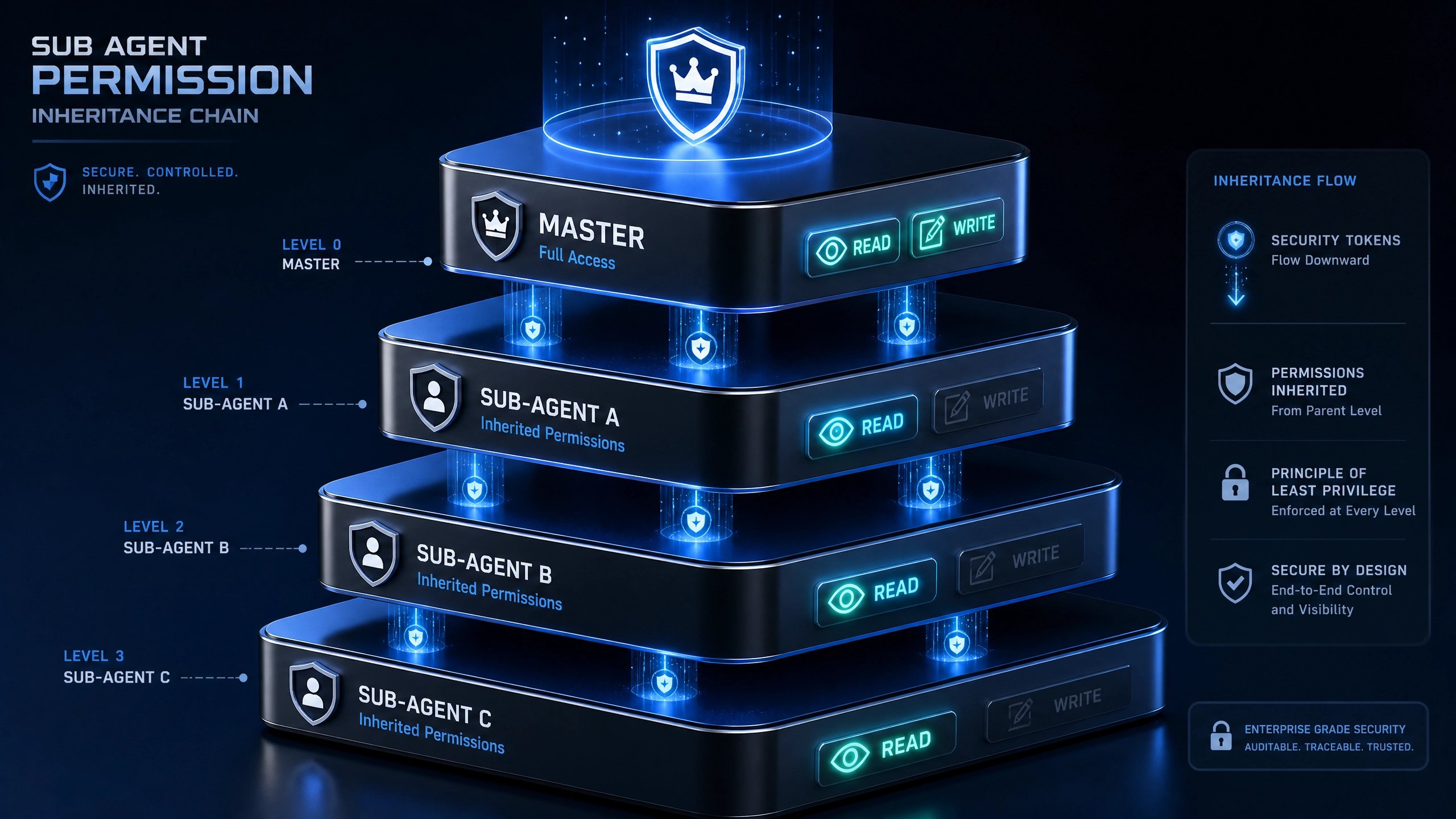
- Skill 注册中心:负责加载和验证 Skill 的元数据(manifest)
- 事件总线:处理 Skill 间的事件分发与通信
- 上下文管理器:维护会话状态和共享数据
- 执行引擎:控制 Skill 的生命周期和资源分配
核心概念说明
- Skill Manifest:采用 JSON 格式定义 Skill 的基础属性(名称、版本、权限等)和事件订阅声明
- 事件类型:分为系统事件(如
init、error)和业务事件(如user_query) - 上下文对象 :包含当前会话的所有状态信息,通过
context参数传递
开发者常见痛点分析
- 配置复杂度高:manifest 需要精确匹配系统要求的 schema
- 调试信息不足:缺乏可视化的执行追踪工具
- 性能陷阱:同步阻塞调用导致响应延迟
- 状态管理混乱:未正确使用上下文导致数据污染
完整开发流程
开发环境搭建
- 安装 Cursor CLI 工具
npm install -g @cursor/cli - 创建项目模板
cursor skill init my-skill --typescript
Skill Manifest 示例
{
  "name": "weather-skill",
  "version": "1.0.0",
  "events": [
    {
      "type": "user_query",
      "intent": "check_weather"
    }
  ],
  "permissions": ["location"]
}
核心事件处理(TypeScript)
interface WeatherContext {
  location?: string;
  temperature?: number;
}

// 类型化的事件处理器
export default class WeatherSkill {
  async handleEvent(
    event: CursorEvent,
    context: Context<WeatherContext>
  ): Promise<SkillResponse> {switch (event.type) {
      case 'user_query':
        return this.handleWeatherQuery(event, context);
      case 'init':
        return this.initialize();
      default:
        throw new Error('Unsupported event type');
    }
  }

  private async handleWeatherQuery(
    event: CursorEvent,
    context: Context<WeatherContext>
  ) {
    // 从上下文中获取位置信息
    const location = context.get('location');

    // 调用天气 API(示例使用伪代码)const weatherData = await fetchWeatherAPI(location);

    // 更新上下文
    context.set('temperature', weatherData.temp);

    return {response: ` 当前 ${location}气温为 ${weatherData.temp}℃`,
      metadata: weatherData
    };
  }
}
调试技巧
- 使用 CLI 的调试模式
cursor skill test --debug --event=user_query - 注入模拟上下文
const testContext = new MockContext({location: '北京'}); - 查看执行日志
tail -f /var/log/cursor/skill.log
性能优化建议
异步处理模式
// 使用 Promise.all 并行处理独立任务
const [userData, weatherData] = await Promise.all([fetchUserProfile(),
  fetchWeatherAPI()]);
内存管理
- 及时清理上下文中的临时数据
- 对于大型数据使用外部存储(如 Redis)
- 实现
dispose钩子释放资源
错误恢复
try {// 业务逻辑} catch (error) {
  // 重试机制
  if (isRetryable(error)) {await retry(3, operation);
  }
  // 降级处理
  return fallbackResponse();}
生产环境避坑指南
- 事件类型冲突
- 问题:多个 Skill 监听相同事件导致意外触发
-
解决方案:使用更具体的 intent 匹配规则
-
上下文泄漏
- 问题:未清理的上下文数据影响后续会话
-
解决方案:实现
session_end事件处理器进行清理 -
阻塞主线程
- 问题:同步 CPU 密集型操作导致响应超时
-
解决方案:使用 Worker 线程或拆分为异步任务
-
权限缺失
- 问题:未声明所需权限导致 API 调用失败
-
解决方案:在 manifest 中完整声明权限需求
-
版本兼容性
- 问题:升级后 manifest 格式不兼容
- 解决方案:使用 CLI 的
validate命令预先检查
实践建议
- 扩展方向
- 实现 OAuth 授权流程
- 添加单元测试覆盖率
-
开发管理控制台插件
-
测试模板
describe('WeatherSkill', () => {it('should handle location query', async () => {const skill = new WeatherSkill(); const response = await skill.handleEvent(mockEvent('user_query'), mockContext({location: '上海'}) ); expect(response).toContain('气温'); }); }); -
社区贡献
- 在 GitHub 提交 Pull Request
- 分享自定义 Skill 模板
- 编写技术博客介绍最佳实践
通过本文介绍的方法论和代码示例,开发者可以快速构建符合生产标准的 Cursor Skill。建议从简单功能入手逐步扩展,充分利用类型系统和调试工具提升开发效率。
正文完


