
共计 1504 个字符,预计需要花费 4 分钟才能阅读完成。

初识 agno 智能体
在开始之前,我们先明确什么是 agno 智能体(以下简称 agno)。简单来说,agno 是一个基于异步消息处理的智能体框架,它通过 信令通道(控制流传输链路)协调多个子任务,比传统 Agent 框架更适合处理高并发、低延迟的场景。
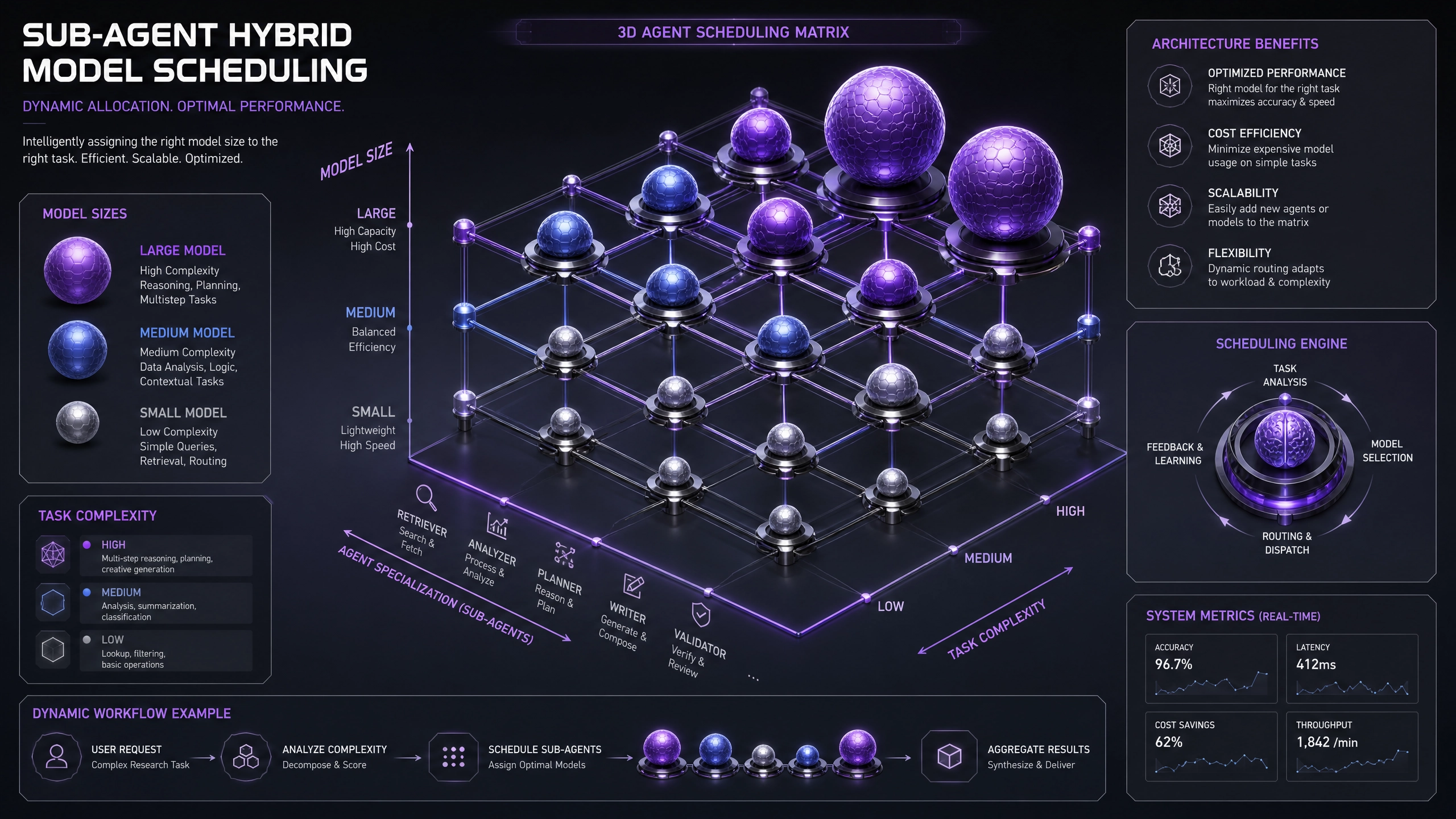
agno 与传统 Agent 框架的差异
| 特性 | agno 智能体 | 传统 Agent 框架 |
|---|---|---|
| 通信模型 | 异步消息队列(基于 asyncio) | 同步 RPC 调用 |
| 任务调度 | 动态优先级队列 | 固定轮询机制 |
| 错误处理 | 自动重试 + 死信队列 | 手动捕获异常 |
| 扩展性 | 模块化热加载 | 需重启进程 |
搭建最小可行智能体
1. 环境准备
确保 Python≥3.8 并安装依赖:
pip install agno-core aiohttp2. 编写基础智能体
以下是一个能响应 HTTP 请求的天气查询智能体(关键参数已注释):
import asyncio
from agno import Agent

class WeatherAgent(Agent):
    def __init__(self):
        super().__init__(
            name="weather_agent",  # 智能体唯一标识
            max_queue_size=1000    # 消息队列积压阈值
        )

    async def handle_message(self, msg):
        """处理城市天气查询请求"""
        city = msg.get('city')
        # 模拟 API 调用(生产环境替换为真实接口)await asyncio.sleep(0.1)
        return {"city": city, "temp": "25℃"}

# 启动智能体
async def main():
    agent = WeatherAgent()
    await agent.start()

    # 测试发送消息
    response = await agent.send_and_wait({"city": "Beijing"})
    print(response)  # 输出: {'city': 'Beijing', 'temp': '25℃'}

asyncio.run(main())
3. 运行与测试
执行后会看到智能体启动日志,通过 send_and_wait 方法可同步获取响应。实际应用中建议使用 send 方法实现异步非阻塞调用。
性能优化实战
线程安全问题
当智能体需要调用同步库时(如数据库驱动),必须通过 run_in_executor 隔离:
async def query_db(self, sql):
    loop = asyncio.get_event_loop()
    # 将阻塞操作转移到线程池执行
    return await loop.run_in_executor(
        None,
        lambda: sync_db_client.execute(sql)
    )
消息积压处理
在 __init__ 中配置以下参数预防队列溢出:
super().__init__(
    name="high_load_agent",
    max_queue_size=5000,           # 根据内存调整
    queue_overflow_strategy="drop"  # 可选 reject/drop
)
生产环境检查清单
以下是 3 个容易忽视的关键配置:
-
心跳超时(heartbeat_timeout)
默认 30 秒,过短会导致网络波动时频繁重连 -
日志级别(log_level)
生产环境建议设为WARNING,避免 IO 性能损耗 -
内存监控(enable_mem_monitor)
开启后自动终止内存超限的智能体,默认关闭
总结
通过这个简单的天气查询示例,我们实现了 agno 智能体的核心功能。实际开发中,你可以继续扩展以下能力:
- 添加认证中间件
- 集成监控 Prometheus 指标
- 实现智能体集群部署
遇到问题时,记得查看 agno.log 中的详细错误信息,大多数初始化错误都会在日志中给出明确提示。
正文完


