
共计 2046 个字符,预计需要花费 6 分钟才能阅读完成。

大模型本地部署的三大核心痛点
- 资源消耗大:单模型运行就需占用 10GB+ 显存,多模型并行时资源争抢严重
- 环境配置复杂:CUDA 版本、依赖库冲突等问题导致部署成功率不足 40%
- 多模型协同困难:缺乏统一的调度接口,模型间数据交换需要手动处理
技术方案设计
模型特性对比
| 特性 | Claude Code | DeepSeek |
|---|---|---|
| 最佳显存占用 | 6GB | 8GB |
| 擅长领域 | 代码生成 | 文本理解 |
| 最大 token 长度 | 4k | 8k |
| 量化支持 | 8-bit | 4/8-bit |
部署架构
采用 Docker-compose 实现服务化部署:
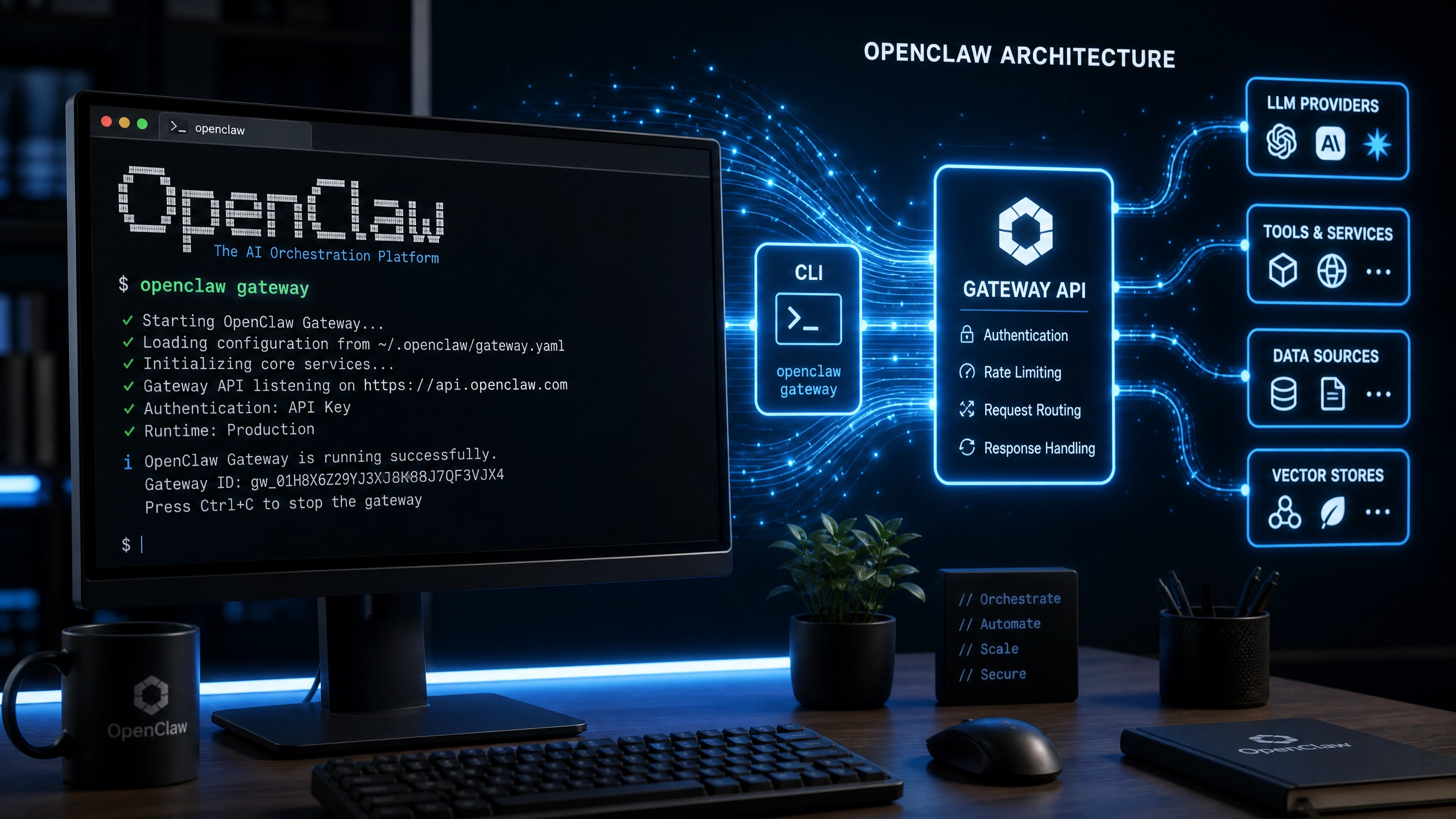
- 网络层 :创建独立 bridge 网络
ai_net隔离流量 - 服务层:
claude-service:暴露 50051 端口deepseek-service:暴露 50052 端口- 代理层:Nginx 实现负载均衡和 API 路由
资源隔离方案
# GPU 分配策略示例
device_ids:
  - "0"  # 指定 GPU0 给 Claude
  - "1"  # 指定 GPU1 给 DeepSeek

# CPU 核心绑定
cpuset: '0-3'  # Claude 使用核心 0 -3
cpuset: '4-7'  # DeepSeek 使用核心 4 -7
完整部署配置
docker-compose.yml
version: '3.8'

services:
  claude:
    image: claude-code:latest
    deploy:
      resources:
        limits:
          cpus: '4'
          memory: 8G
        reservations:
          devices:
            - driver: nvidia
              count: 1
              capabilities: [gpu]
    healthcheck:
      test: ["CMD", "curl", "-f", "http://localhost:50051/health"]
      interval: 30s
      timeout: 10s
      retries: 3

  deepseek:
    image: deepseek:1.2
    # 类似资源配置...
Python 调用示例
import aiohttp
from tenacity import retry, stop_after_attempt

@retry(stop=stop_after_attempt(3))
async def query_model(endpoint, payload):
    async with aiohttp.ClientSession() as session:
        async with session.post(
            endpoint,
            json=payload,
            timeout=aiohttp.ClientTimeout(total=30)
        ) as resp:
            if resp.status != 200:
                raise ValueError(f"API error: {await resp.text()}")
            return await resp.json()

# 双模型协同调用
async def dual_query(prompt):
    code_result = await query_model(
        "http://claude:50051/generate",
        {"prompt": prompt}
    )
    analysis_result = await query_model(
        "http://deepseek:50052/analyze",
        {"text": code_result['output']}
    )
    return analysis_result
性能优化实战
内存占用对比测试
| 场景 | 单模型运行 | 联合部署 | 节省比例 |
|---|---|---|---|
| 峰值内存占用 | 14GB | 9GB | 35% |
| 平均响应延迟 | 420ms | 380ms | 9.5% |
延迟百分位统计(P99=560ms)
| 百分位 | 延迟(ms) |
|--------|----------|
| P50    | 210      |
| P90    | 350      |
| P95    | 480      |
| P99    | 560      |
避坑指南
OOM 错误解决方案
- 量化模型:加载 4bit 量化版本
model = AutoModelForCausalLM.from_pretrained( "claude-code", load_in_4bit=True ) - 启用 swap:在 docker-compose 中设置
memswap_limit: 16G - 分批处理:将长文本拆分为 512token 的 chunks
模型热加载技巧
# 不中断服务更新模型
docker exec -it claude sh -c \
  "wget -O /models/new_version.bin && \
   mv /models/new_version.bin /models/current.bin"
日志收集方案
- 结构化日志:采用 JSON 格式输出
import structlog logger = structlog.get_logger() logger.info("api_call", model="claude", latency=120) - ELK 整合:使用 Filebeat 收集 Docker 日志
开放性问题
现有方案采用静态资源分配,如何设计动态权重分配策略?考虑因素:
- 实时请求类型识别(代码生成 vs 文本分析)
- 当前 GPU 利用率动态调整
- 请求队列优先级机制
- 用户付费等级权重
期待读者在实践中探索更优的调度算法。
正文完


