
共计 1616 个字符,预计需要花费 5 分钟才能阅读完成。

Claude 核心能力矩阵
Claude 作为 Anthropic 推出的 AI 助手,与其他主流模型相比有几个显著特点:
- 长上下文窗口 :支持 100K tokens 的上下文记忆,适合处理长文档和复杂对话
- 结构化输出 :天然支持 XML/JSON 格式生成,减少后期解析成本
- 安全设计 :内置内容过滤机制,响应更符合安全规范
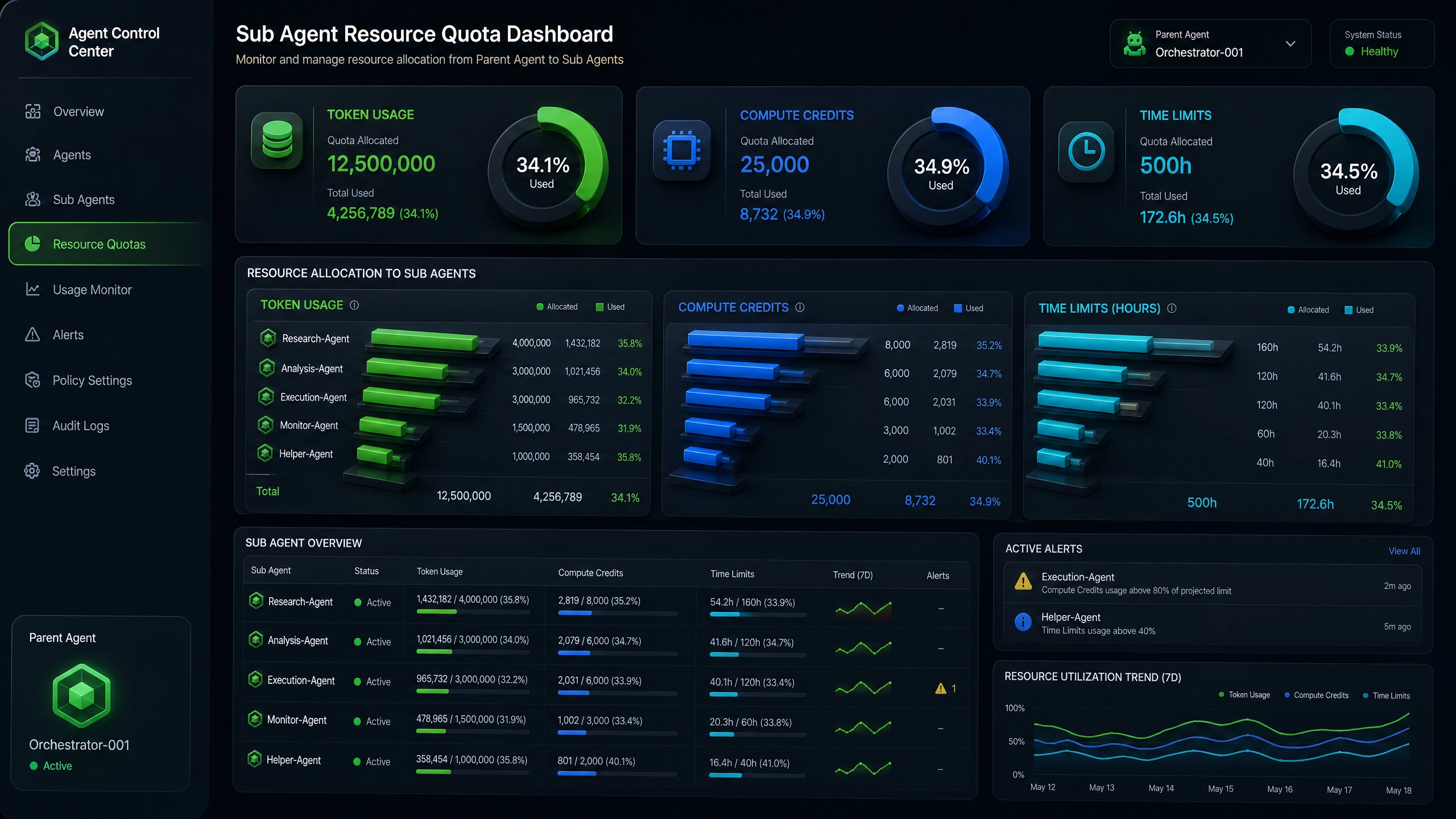
- 成本透明 :按 token 计费且提供实时用量统计
环境准备与认证配置
- 注册 Anthropic 账号并获取 API Key
- 安装官方 SDK(Python 示例):
pip install anthropic- 环境变量配置(推荐做法):
import anthropic
import os

client = anthropic.Anthropic(api_key=os.environ["ANTHROPIC_API_KEY"]
)
基础对话实现
完整示例代码(含错误处理):
try:
    response = client.messages.create(
        model="claude-3-opus-20240229",
        max_tokens=1000,
        temperature=0.7,
        system="你是一个有帮助的助手",
        messages=[{"role": "user", "content": "如何用 Python 实现快速排序?"}
        ]
    )
    print(response.content[0].text)
except anthropic.APIConnectionError as e:
    print("连接错误:", e)
except anthropic.RateLimitError as e:
    print("速率限制:", e)
关键参数说明:
temperature:0- 1 范围,值越高随机性越强max_tokens:控制响应长度,需预留上下文空间
高级功能实现
流式响应处理
with client.messages.stream(
    model="claude-3-sonnet-20240229",
    max_tokens=2000,
    messages=[/* 消息历史 */]
) as stream:
    for chunk in stream:
        print(chunk.content[0].text, end="", flush=True)
文件解析(PDF/Word/Excel)
with open("report.pdf", "rb") as f:
    response = client.messages.create(
        model="claude-3-opus-20240229",
        max_tokens=4000,
        messages=[
            {
                "role": "user",
                "content": [
                    {
                        "type": "text",
                        "text": "总结这份文档的要点"
                    },
                    {
                        "type": "file",
                        "source": {
                            "type": "base64",
                            "media_type": "application/pdf",
                            "data": base64.b64encode(f.read()).decode("utf-8")
                        }
                    }
                ]
            }
        ]
    )
生产环境 checklist
- 上下文管理策略:
- 定期清理历史消息
- 重要信息优先放入 system prompt
-
使用
max_tokens时预留 20% buffer -
敏感内容过滤:
- 启用
content_filter参数 - 实现后处理正则匹配
-
记录违规请求日志
-
计费优化方案:
- 监控
usage字段中的 token 计数 - 对非关键任务使用 sonnet 模型
- 设置 API 用量告警
延伸学习资源
- 官方文档:https://docs.anthropic.com
- API Playground:https://console.anthropic.com/playground
- 错误代码手册:https://status.anthropic.com
通过合理利用 Claude 的长上下文能力和结构化输出特性,开发者可以构建出比传统方案更可靠的 AI 应用。建议从简单对话开始,逐步尝试复杂场景,重点关注响应质量和 token 消耗的平衡。
正文完


