
共计 3165 个字符,预计需要花费 8 分钟才能阅读完成。

在集成 Claude API 进行文件写入操作时,开发者常会遇到各种棘手的错误。本文将从实际案例出发,深入分析这些错误的成因,并提供经过生产验证的解决方案。
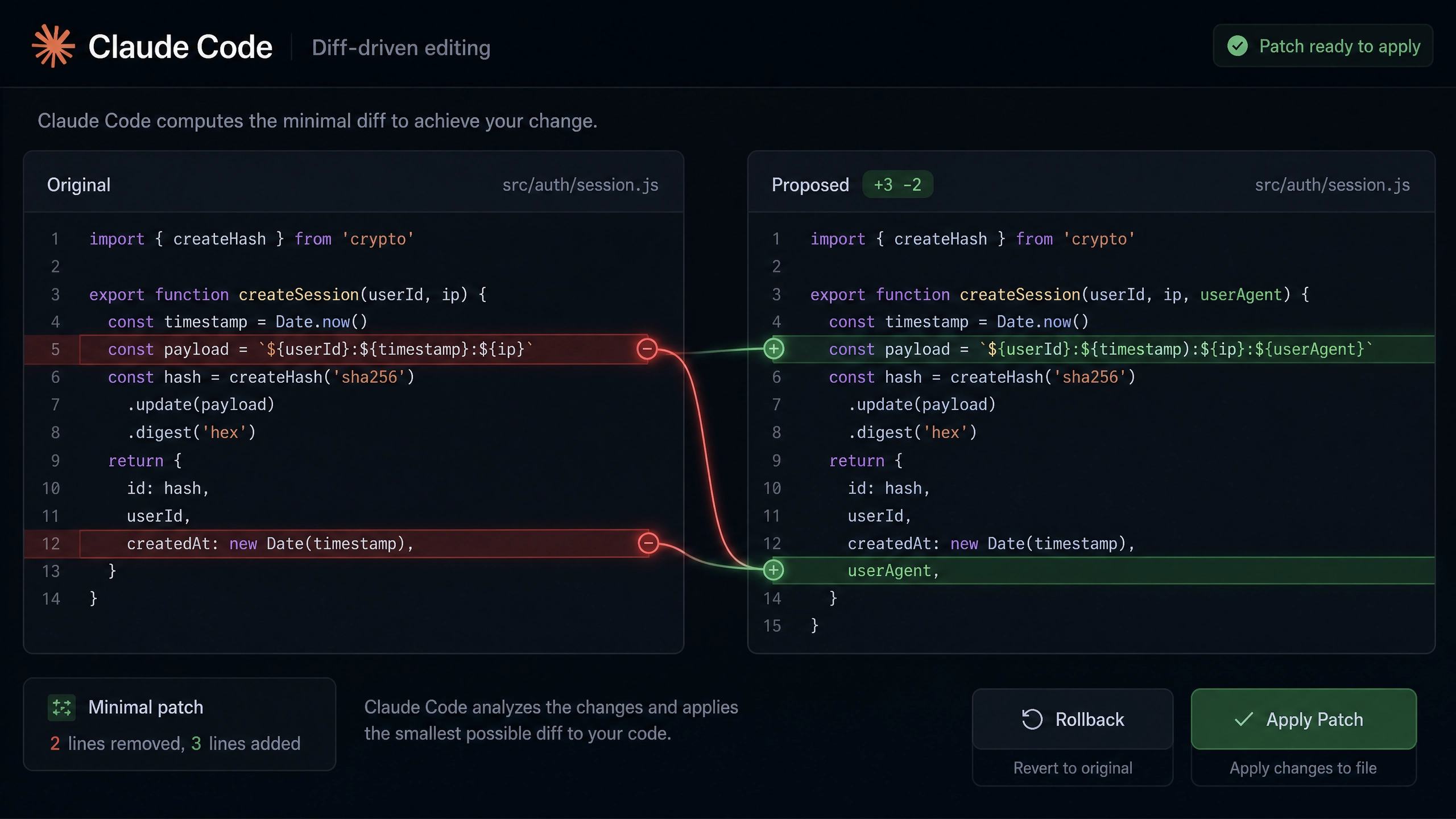
典型错误场景与日志分析
以下是几种最常见的文件写入错误场景及其对应的错误日志:
-
权限不足 (HTTP 403)
ERROR: 403 Forbidden { "error": { "type": "permission_denied", "message": "Write access denied for path: /data/output.json" } } -
并发写入冲突
IOError: [Errno 11] Resource temporarily unavailable File "claude_writer.py", line 42, in write_content with open(filepath, 'w') as f: -
磁盘空间不足 (HTTP 507)
{
  "error": {
    "code": 507,
    "message": "Insufficient storage space"
  }
}
技术实现方案
权限管理最佳实践
对于 AWS 环境,建议使用最小权限原则配置 IAM 策略:
{
  "Version": "2012-10-17",
  "Statement": [
    {
      "Effect": "Allow",
      "Action": [
        "s3:PutObject",
        "s3:GetObject"
      ],
      "Resource": "arn:aws:s3:::your-bucket/data/*"
    }
  ]
}
原子化写入的三种模式
-
文件锁机制
import fcntl def safe_write(content, filepath): with open(filepath, 'w') as f: try: fcntl.flock(f, fcntl.LOCK_EX | fcntl.LOCK_NB) f.write(content) except IOError as e: print(f"File locked: {e}") raise -
临时文件交换模式
import os import tempfile def atomic_write(content, filepath): dirname = os.path.dirname(filepath) with tempfile.NamedTemporaryFile(dir=dirname, delete=False) as tmp: tmp.write(content.encode()) tmp.flush() os.fsync(tmp.fileno()) os.replace(tmp.name, filepath) -
CAS(Compare-And-Swap) 模式
import hashlib

def cas_write(content, filepath):
    new_checksum = hashlib.md5(content.encode()).hexdigest()
    if os.path.exists(filepath):
        with open(filepath, 'r') as f:
            old_content = f.read()
        if hashlib.md5(old_content.encode()).hexdigest() == new_checksum:
            return False  # 内容未变化
    atomic_write(content, filepath)
    return True
带有指数退避的重试机制
import time
import random
from requests.exceptions import RequestException

def exponential_backoff_retry(func, max_retries=5):
    retry_count = 0
    while retry_count < max_retries:
        try:
            return func()
        except (IOError, RequestException) as e:
            if retry_count == max_retries - 1:
                raise
            sleep_time = min(2 ** retry_count + random.uniform(0, 1), 10)
            time.sleep(sleep_time)
            retry_count += 1
完整示例:带错误处理的文件写入
import os
import hashlib
import tempfile
from claude_api import ClaudeClient
from typing import Optional

def write_with_checksum(
    client: ClaudeClient,
    content: str,
    filepath: str,
    expected_md5: Optional[str] = None
) -> bool:
    """安全写入文件并验证校验和"""
    actual_md5 = hashlib.md5(content.encode()).hexdigest()
    if expected_md5 and actual_md5 != expected_md5:
        raise ValueError("MD5 checksum mismatch")

    dirname = os.path.dirname(filepath)
    if not os.path.exists(dirname):
        os.makedirs(dirname, mode=0o755)

    try:
        with tempfile.NamedTemporaryFile(dir=dirname, mode='w', delete=False) as tmp:
            tmp.write(content)
            tmp.flush()
            os.fsync(tmp.fileno())

        # 原子替换
        os.replace(tmp.name, filepath)

        # 验证写入结果
        with open(filepath, 'r') as f:
            if hashlib.md5(f.read().encode()).hexdigest() != actual_md5:
                os.unlink(filepath)
                raise IOError("File verification failed after write")

        return True
    except Exception as e:
        if 'tmp' in locals() and os.path.exists(tmp.name):
            os.unlink(tmp.name)

        # 解析 Claude API 错误
        if hasattr(e, 'response') and e.response:
            error_body = e.response.json()
            print(f"API Error: {error_body.get('error', {})}")

        raise
性能优化策略
- 批量写入优化
- 使用缓冲写入 (Buffered I/O)
- 合并小文件写入操作
-
考虑使用内存映射文件 (mmap)
-
内存与 IO 平衡
CHUNK_SIZE = 1024 * 1024  # 1MB

def chunked_write(filepath, content_generator):
    with open(filepath, 'wb') as f:
        for chunk in content_generator:
            f.write(chunk)
            if len(chunk) == CHUNK_SIZE:
                f.flush()
生产环境检查清单
监控指标
- 写入延迟 (P50/P95/P99)
- 错误率 (按错误类型分类)
- 磁盘使用率预警 (>80%)
灾难恢复
- 定期验证备份可恢复性
- 实现双写机制 (本地 + 云存储)
- 设计熔断机制 (自动停止写入当错误率超标)
安全审计
- 文件权限设置 (推荐: 文件 640,目录 750)
- 定期轮换访问密钥
- 日志中包含操作者标识
通过实施这些策略,您可以显著提高 Claude API 文件写入操作的可靠性和性能。记住在实际部署前,务必在测试环境中验证所有故障场景的处理逻辑。
正文完


