
共计 2073 个字符,预计需要花费 6 分钟才能阅读完成。

为什么需要 Agent 框架?
传统 AI 开发就像手工打造汽车每个零件:
- 需要分别处理意图识别、实体抽取、对话管理等模块
- 各组件间通信复杂,调试困难
- 业务逻辑和 AI 模型高度耦合
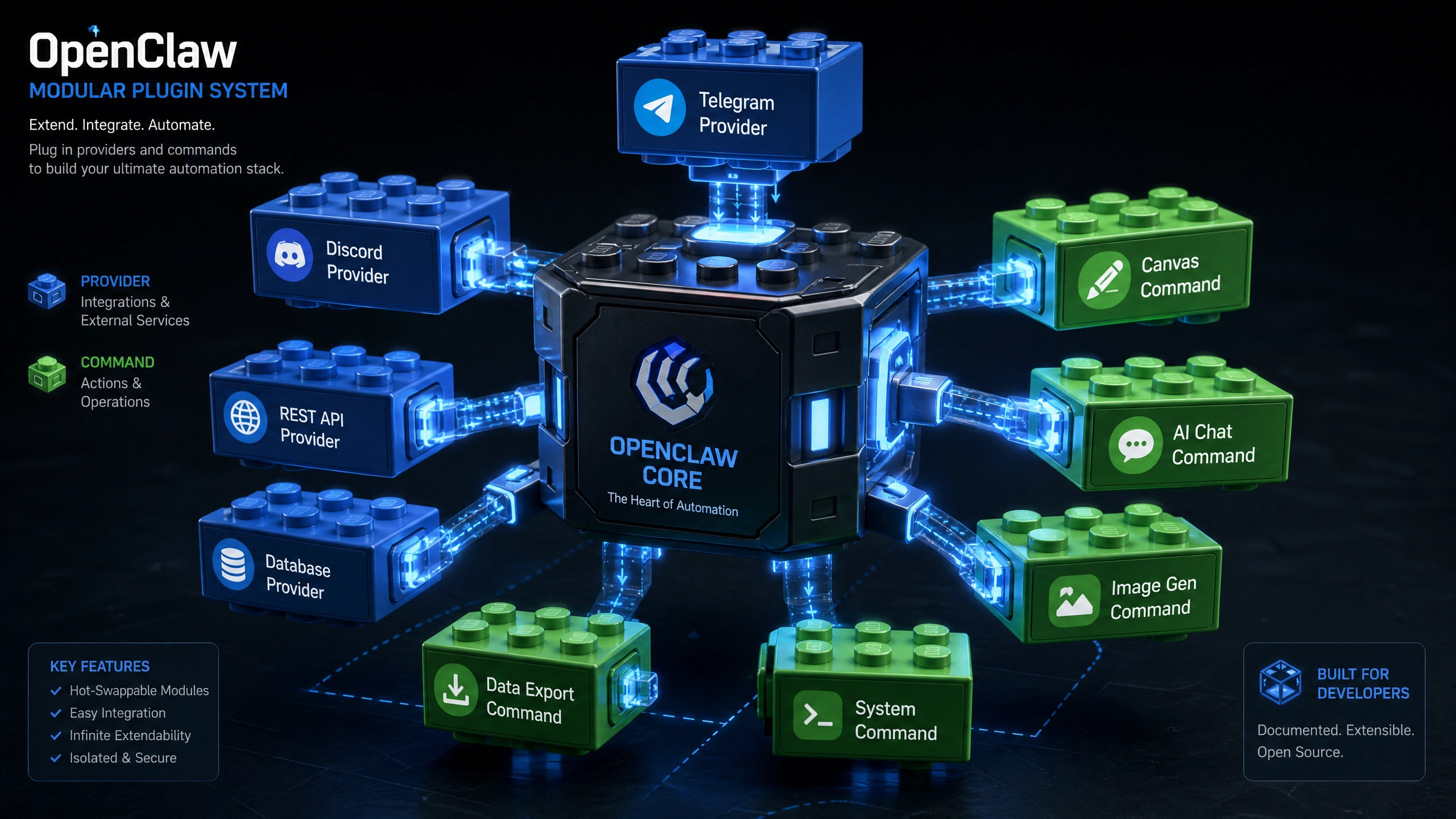
Agent 框架则像智能驾驶套装:
- 内置对话状态跟踪 (DST) 和策略优化模块
- 提供标准化输入输出接口
- 支持热插拔式组件替换
环境准备(5 分钟速成)
-
创建 Python3.8+ 虚拟环境
python -m venv agent_env source agent_env/bin/activate # Linux/Mac -
安装核心库
pip install agentwu numpy>=1.21.0 # 注意版本要求 -
验证安装
import agentwu
print(agentwu.__version__)  # 应输出类似 1.2.0
第一个会聊天的 Agent
# 导入核心组件
from agentwu.core import BasicAgent
from agentwu.memory import CircularBuffer

# 初始化 Agent(含异常处理)try:
    my_agent = BasicAgent(memory=CircularBuffer(size=5),  # 保留最近 5 轮对话
        response_threshold=0.7,  # 置信度低于 70% 触发人工
        timeout=3.0  # 3 秒无响应超时
    )
except ImportError as e:
    print(f"依赖缺失: {e}")
    exit(1)

# 简单对话循环
while True:
    user_input = input("你说:")
    if user_input.lower() == 'exit':
        break

    try:
        response = my_agent.process(user_input)
        print(f"Agent: {response}")
    except Exception as e:
        print(f"对话出错: {e}")
        continue
性能优化三板斧
内存管理
# 使用分代内存策略
from agentwu.memory import GenerationalMemory

gen_mem = GenerationalMemory(
    young_size=10,  # 短期记忆容量
    old_size=100,   # 长期记忆容量
    promote_thresh=3  # 被访问 3 次晋升为长期记忆
)
请求批处理
# 批量处理用户输入(适合客服场景)batch_inputs = ["你好", "天气如何", "推荐餐厅"]
batch_results = my_agent.batch_process(batch_inputs)
超时保护
# 异步处理 + 超时中断
import asyncio

async def safe_process(text):
    try:
        return await asyncio.wait_for(my_agent.async_process(text),
            timeout=2.0
        )
    except asyncio.TimeoutError:
        return "处理超时,请重试"
生产环境部署指南
错误代码速查
| 错误码 | 含义 | 解决方案 |
|---|---|---|
| 5001 | 内存溢出 | 减小 memory_size 参数 |
| 5002 | 响应超时 | 检查后端服务是否存活 |
| 5003 | 无效意图 | 更新 NLU 模型 |
日志监控方案
# 启用详细日志
import logging

logging.basicConfig(
    filename='agent.log',
    level=logging.INFO,
    format='%(asctime)s - %(levelname)s - %(message)s'
)

# 关键指标监控示例
class Monitor:
    def __init__(self):
        self.request_count = 0

    def log_request(self):
        self.request_count += 1
        if self.request_count % 100 == 0:
            logging.info(f"累计请求: {self.request_count}")
自动伸缩配置
# Kubernetes HPA 示例
apiVersion: autoscaling/v2
kind: HorizontalPodAutoscaler
metadata:
  name: agent-scaler
spec:
  scaleTargetRef:
    apiVersion: apps/v1
    kind: Deployment
    name: agent-service
  minReplicas: 2
  maxReplicas: 10
  metrics:
  - type: Resource
    resource:
      name: cpu
      target:
        type: Utilization
        averageUtilization: 60
进阶挑战
尝试为以下场景扩展你的 Agent:
- 电商场景:当用户询问 ” 有什么优惠 ” 时,自动查询促销系统并返回个性化推荐
- 医疗场景:识别用户症状描述后,自动匹配科室并推荐挂号
- 教育场景:根据学生错题记录,动态调整习题难度
每个场景都需要:
– 定制意图识别规则
– 设计专用对话流程
– 对接业务系统 API
建议从修改 process() 方法开始,逐步构建你的业务逻辑层。记住 Agent 框架的优势在于:快速试错,持续迭代。
正文完


